
Creating a Feedback System in Airtable
I worked with the Steering Committee at School of HONK to create a system to manage collected feedback and documentation for the organization’s best practices.
“Who Reads Reflections?”
Recently at School of HONK, someone asked “Who reads reflections? Like, what happens to them after they’re collected?”
School of HONK is great at collecting feedback. At each weekly session, the facilitator announces which volunteer mentor attendees can talk to if they have feedback. There is even an anonymous online form link in the weekly email.
But the answer? Reflections got piled into a seemingly endless Google document alongside the plan for the day. In theory, any mentor could go and read them, but…
Who can analyze data in an enormous document?
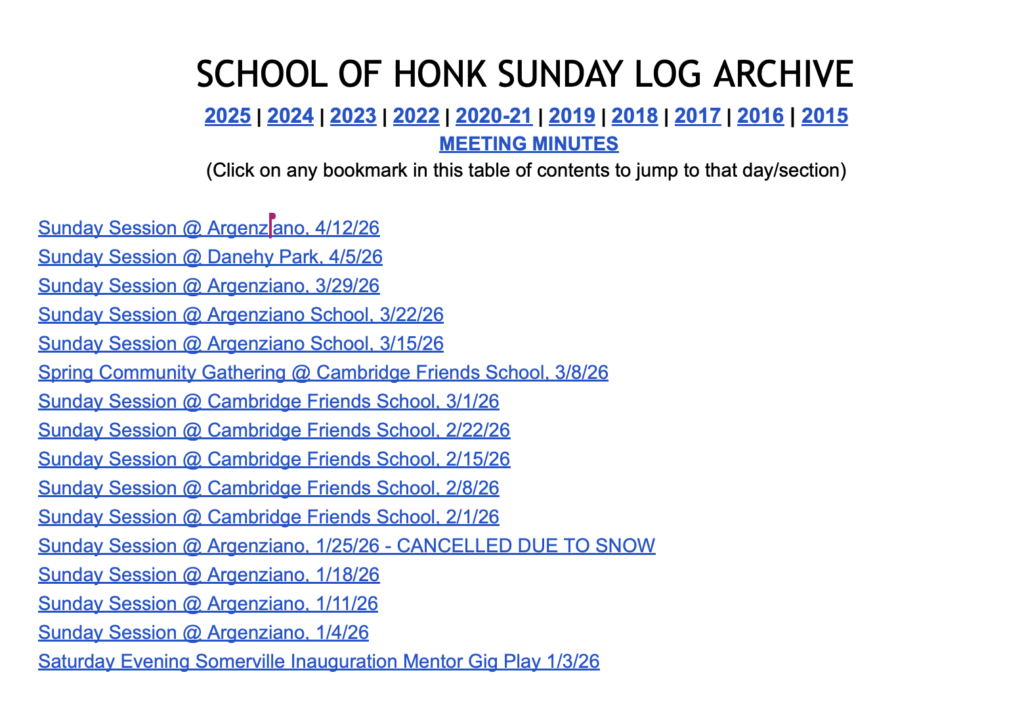
I knew there was a better way.
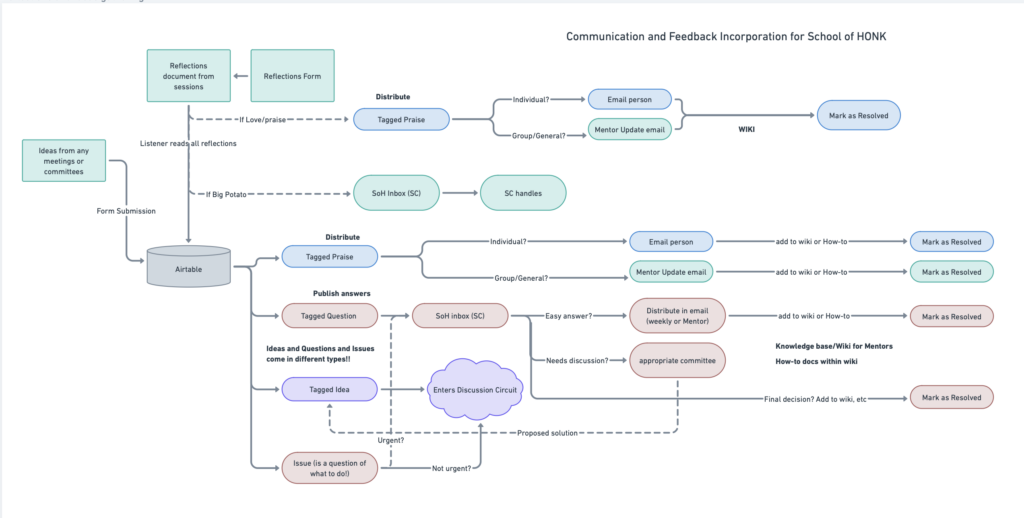
I mapped out a process imagining categories of information, where they should be sent, and how they should be processed.
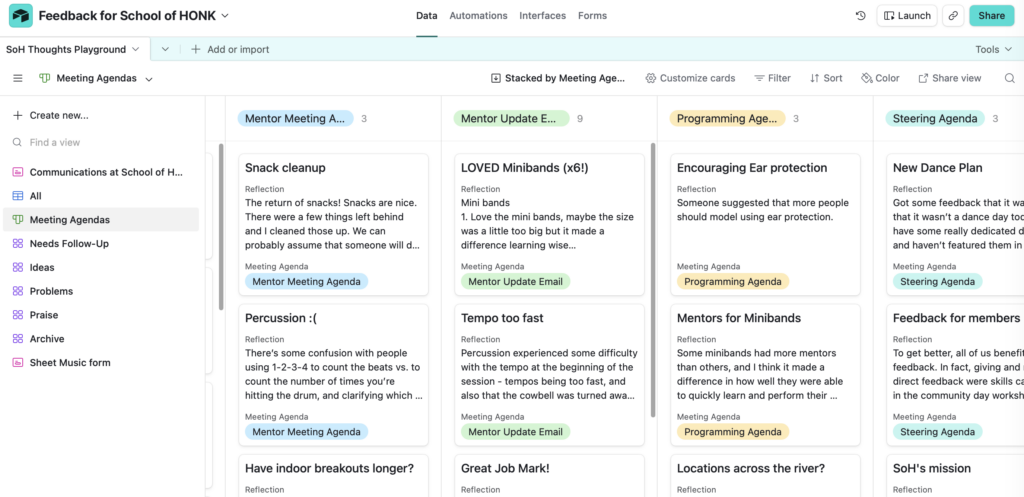
I created a system in Airtable to track the categories.
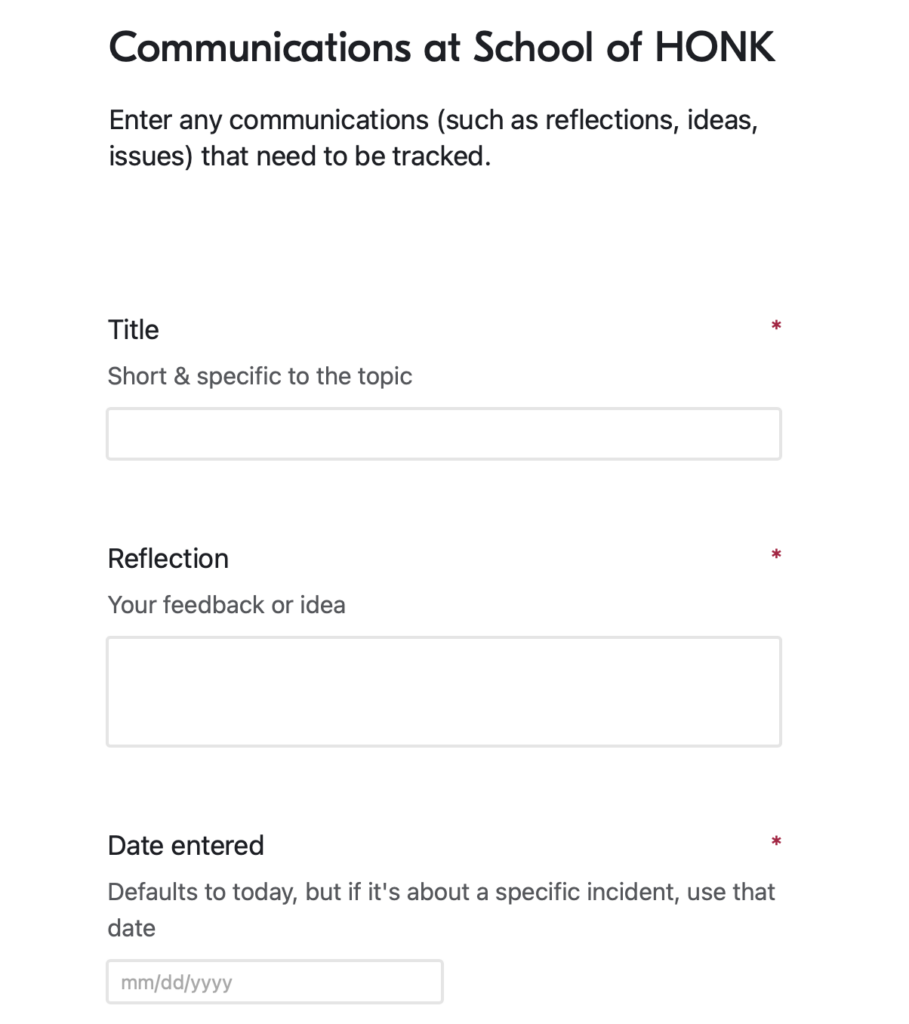
Now reflections, feedback can be entered in a form, piece by piece, so that the data is categorizable
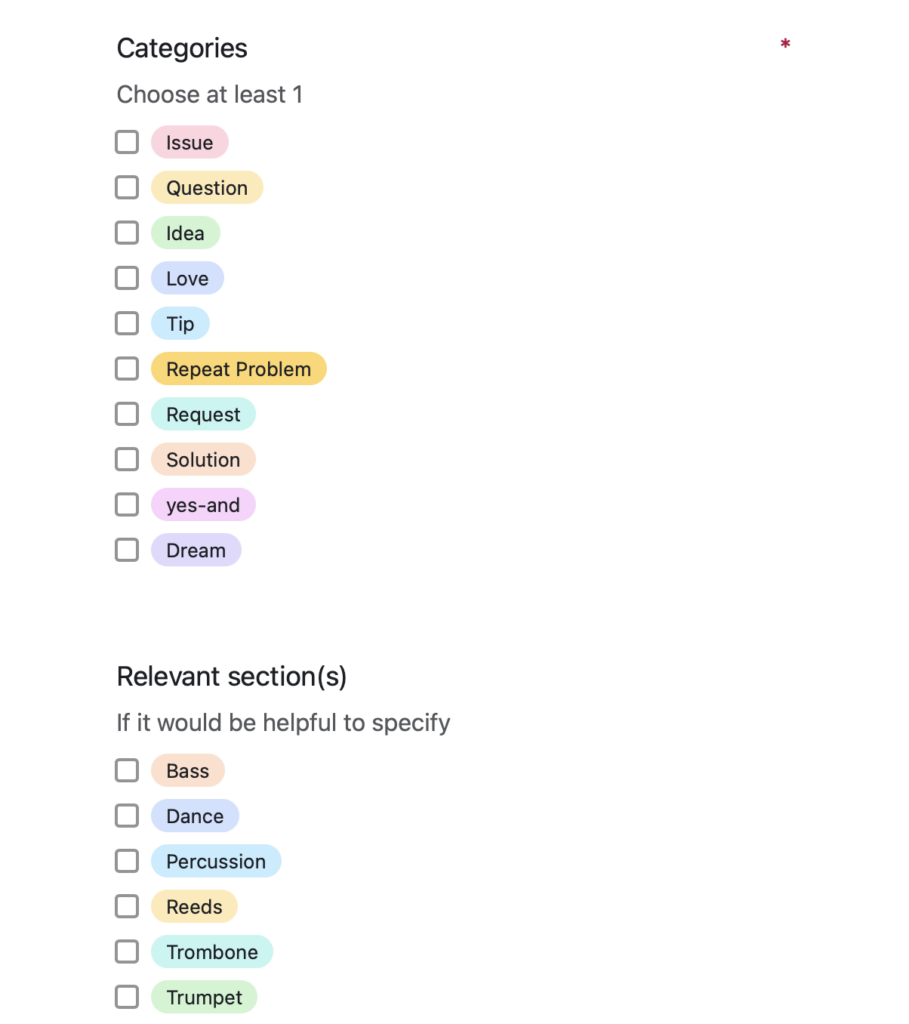
Before, everything was in a narrative style block of text.
Now: Each item can be…
- distinct and categorizable
- moved onto lists (kanban style) for distribution
- viewed in groups filtered by category
- marked with a status
- followed up on properly
But where can all this analyzed data go?
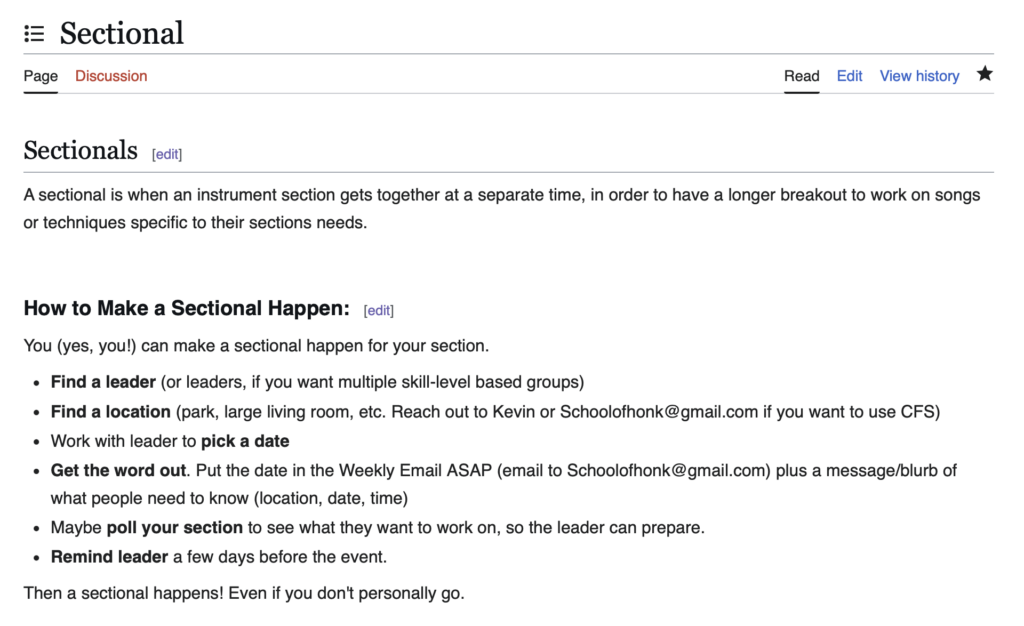
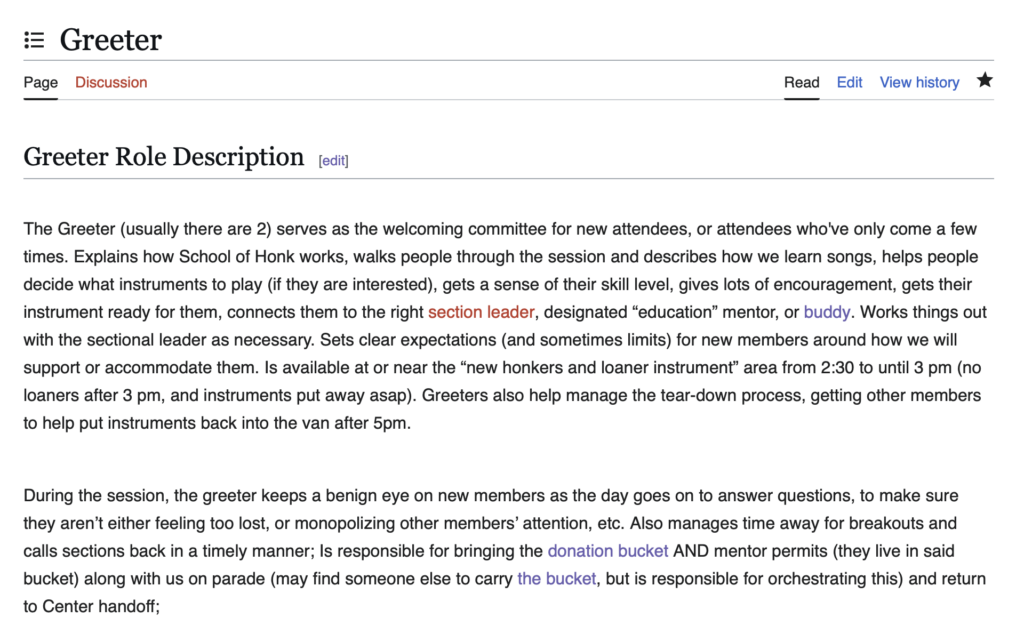
Enter: The Wiki…
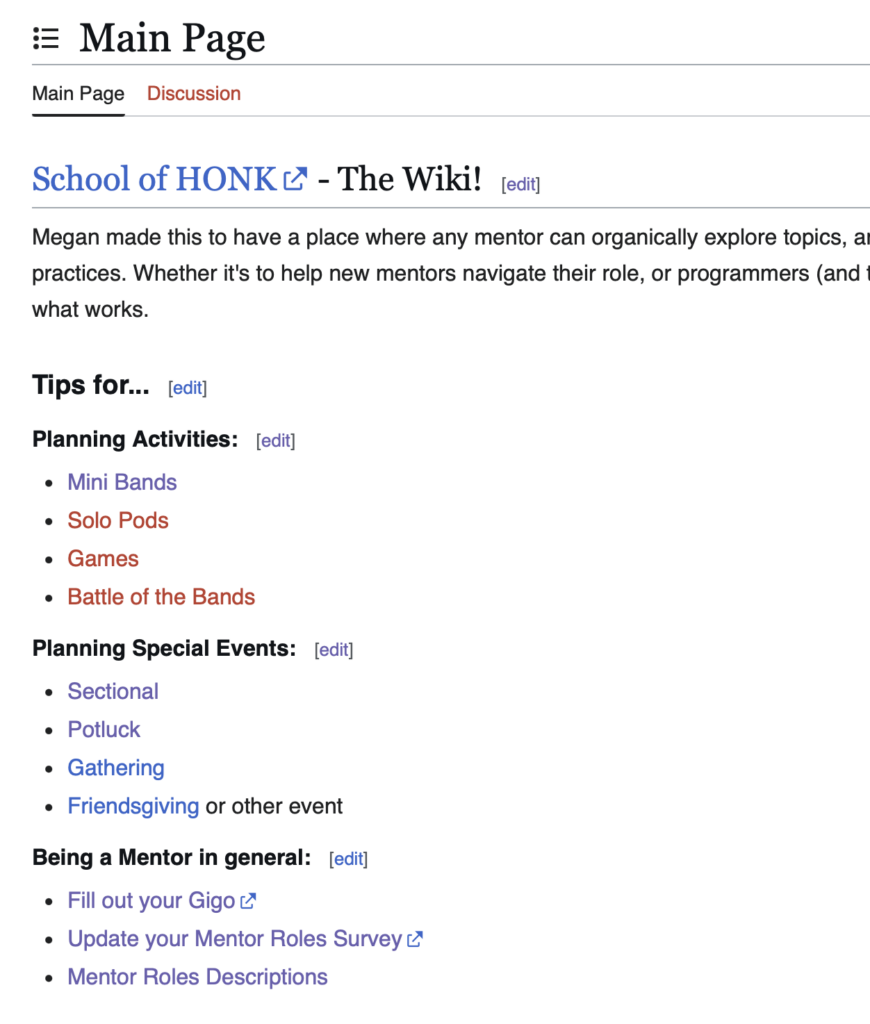
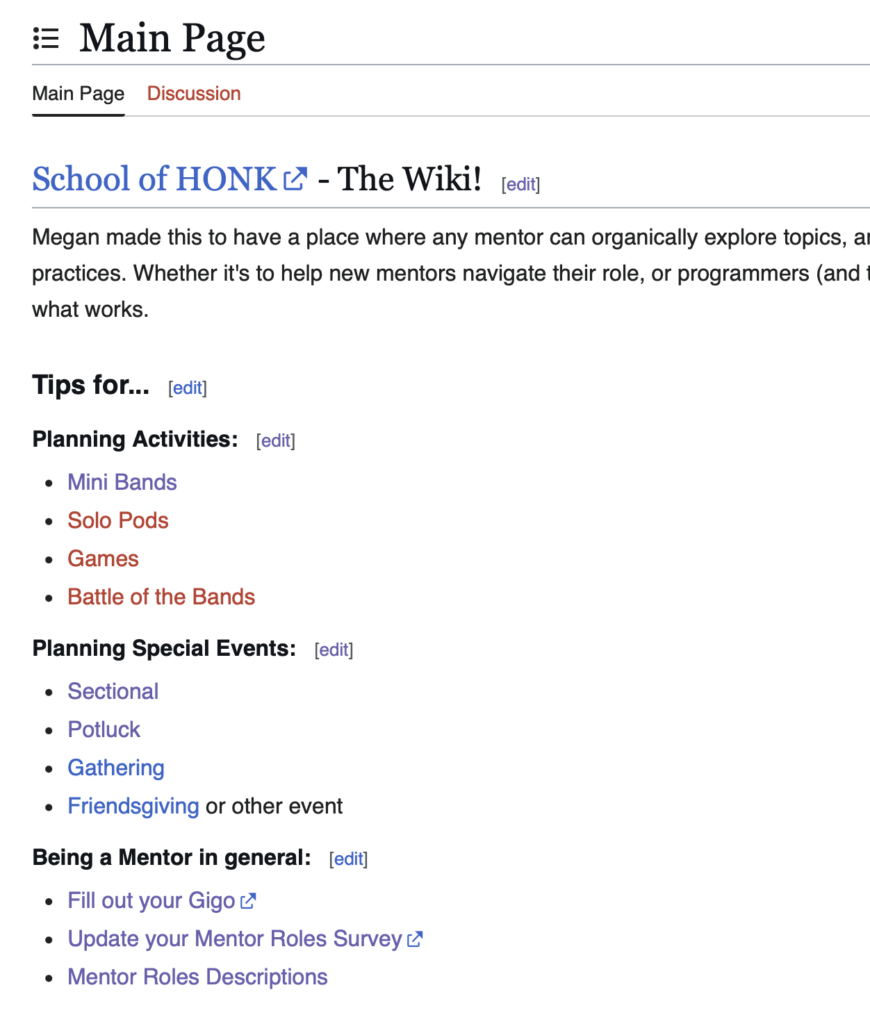
Benefits of having a wiki instead of a 50 page document:
- New mentors can explore organically, based on their curiousity and interests.
- Everything intersects with everything else, instead of having separate documents, so exploration can lead anywhere.
- Mentors curious about more complex organizational roles can explore best practices and consider signing up.
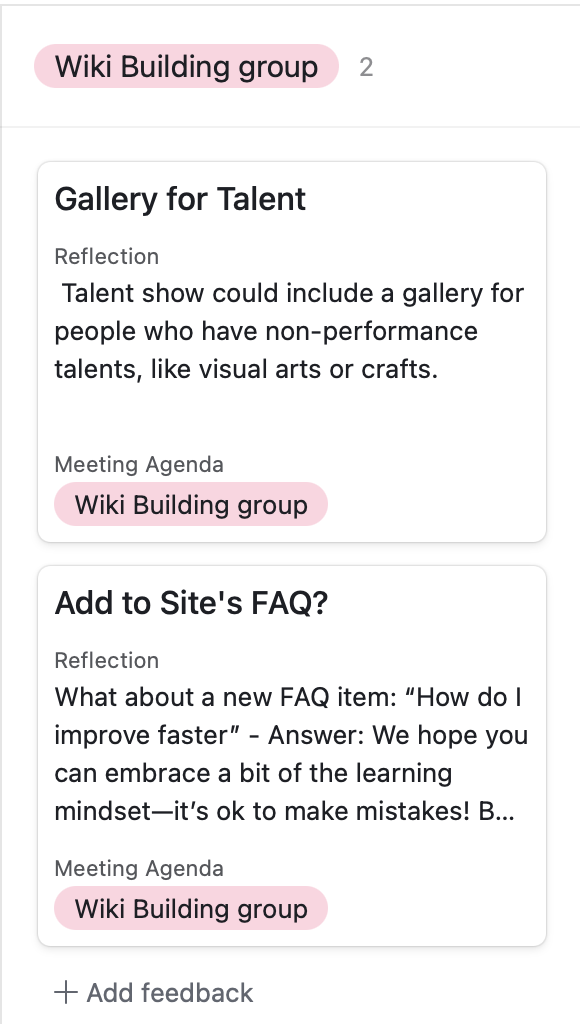
Better feedback management means more information gets where it needs to go.
I’m continuing to work with School of HONK leadership to refine the system to better meet the organizations needs.
Let’s work together to take your organization to the next level
Have a no-pressure conversation.